Pinterest is widely used for discovering creative content such as photos, short videos, and GIF-style animations. From design inspiration and marketing visuals to recipes and lifestyle ideas, Pinterest has become a major source of visual content on the internet.
While Pinterest makes it easy to save Pins inside boards, many users prefer downloading videos, images, and GIFs directly to their devices. This allows offline access, content reuse, editing, or long-term archiving. However, downloading content from Pinterest is not always straightforward because media is often embedded, compressed, or delivered in video format even when it looks like a GIF.
This guide explains the most effective ways to download Pinterest videos, images, and GIFs, including an all-in-one solution and other popular tools.
1. Try the Ultimate Media Downloader for Pinterest – Meget Pro
For users who frequently download content, an all-in-one tool is the most efficient solution. A powerful option is 非常專業 , designed to help users download videos, images, and GIF-style content in bulk with high quality.
Meget Pro的主要功能 :
- Supports many popular platforms, including Pinterest
- Bulk download all videos, images, and GIF-style content
- Extract media in original quality or high resolution
- Filter image files by type, format, and size
- Compatible with both Windows and Mac systems
How to use Meget Pro to download all pins from Pinterest:
- Install and launch Meget Pro, then run the software on your device.
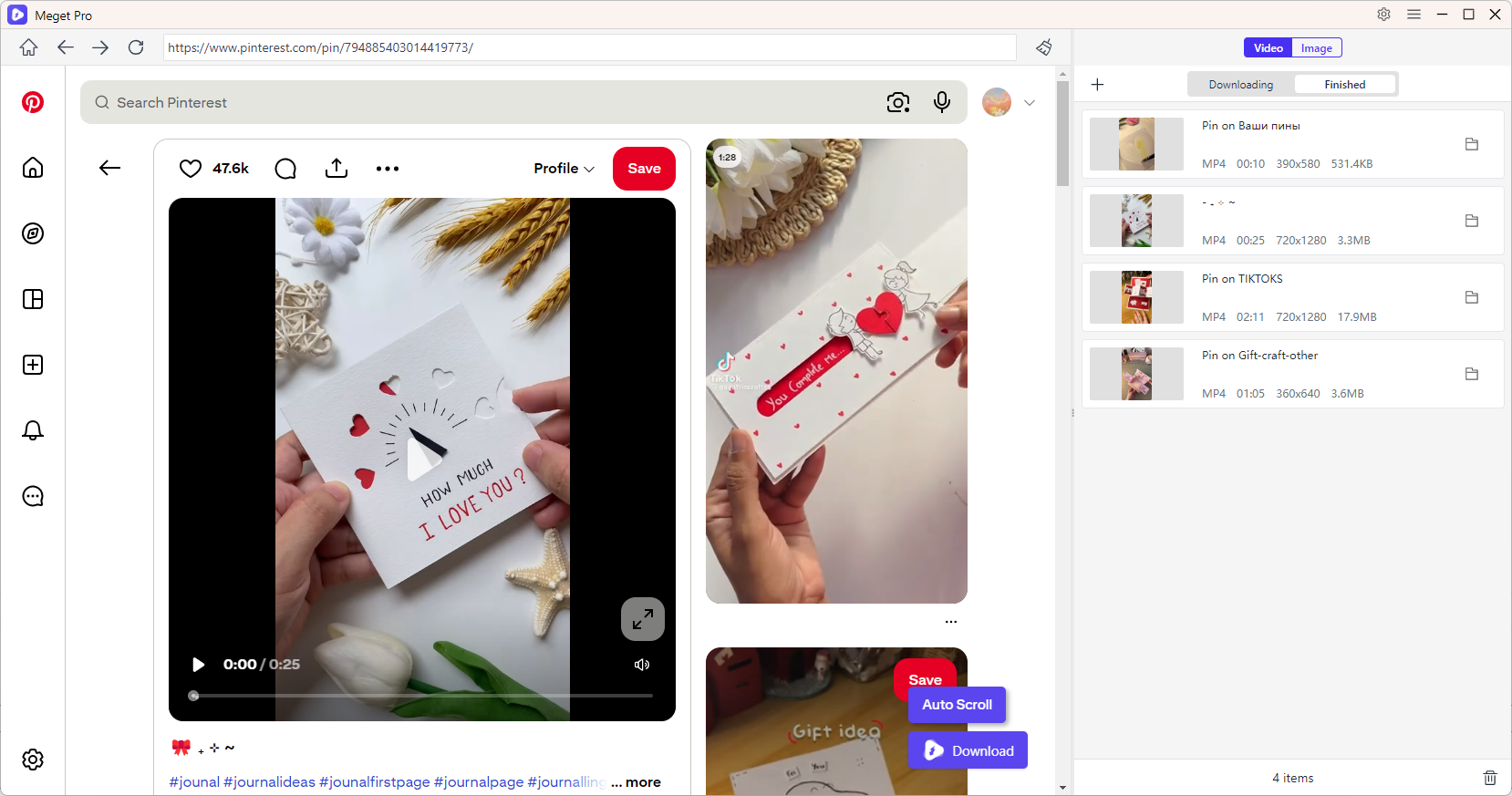
- To download Pinterest videos, open and play the video, then click the download button to add it to the queue – Meget Pro will automatically start processing and downloading all tasks.

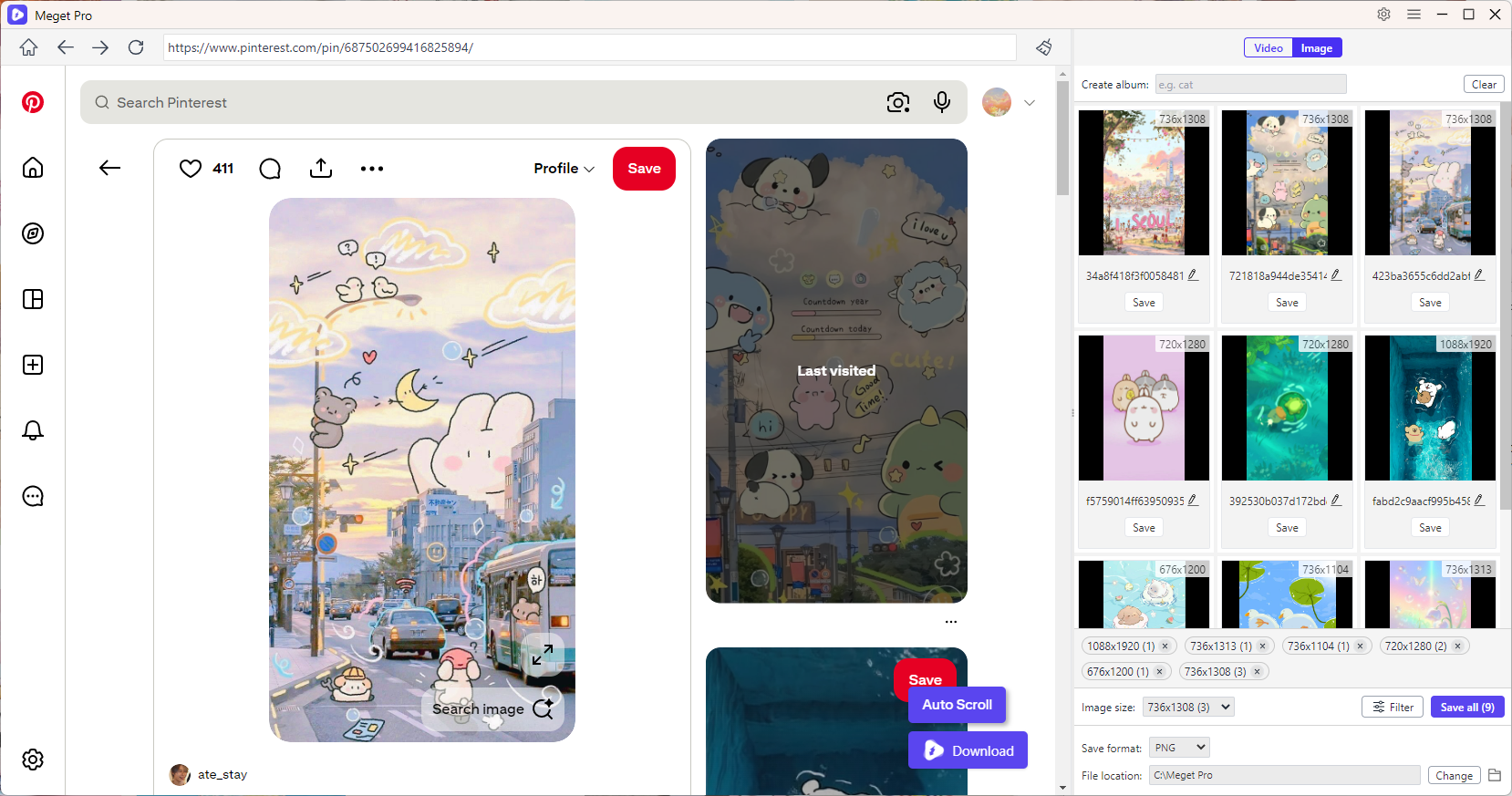
- To download Pinterest images and GIFs, scroll through the page to load all content, then use the filter options to select files and download them in bulk.

2. More Tools to Download Videos from Pinterest
2.1 Online Pinterest Video Downloaders
Online tools are the simplest way to download Pinterest videos without installing software.
Popular choices:
- PinDown
- PinterestDownloader
- KlickPin
- DownPint
工作原理:
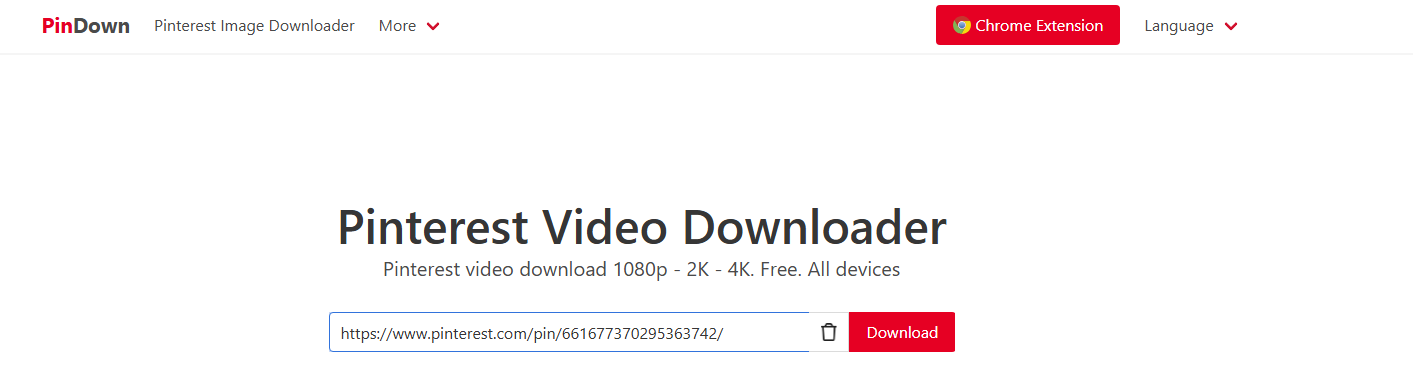
- Copy the Pinterest video link, and paste it into the downloader website like PinDown.
- Let the online tool scrape the Pinterest video, then choose quality and download.

Advantages:
- 無需安裝
- Works on any device
- Fast for single downloads
Disadvantages:
- Ads and popups
- Limited batch support
- Quality may vary
2. Browser Extensions
Browser extensions allow direct downloading while browsing Pinterest.
Popular choices:
- PinLoad (adds download button to pins)
- KlickPin extension (supports videos and images)
- PinSnap-style extensions for Firefox and Chrome
使用方法:
- Install a Pinterest downloader extension like PinLoad.
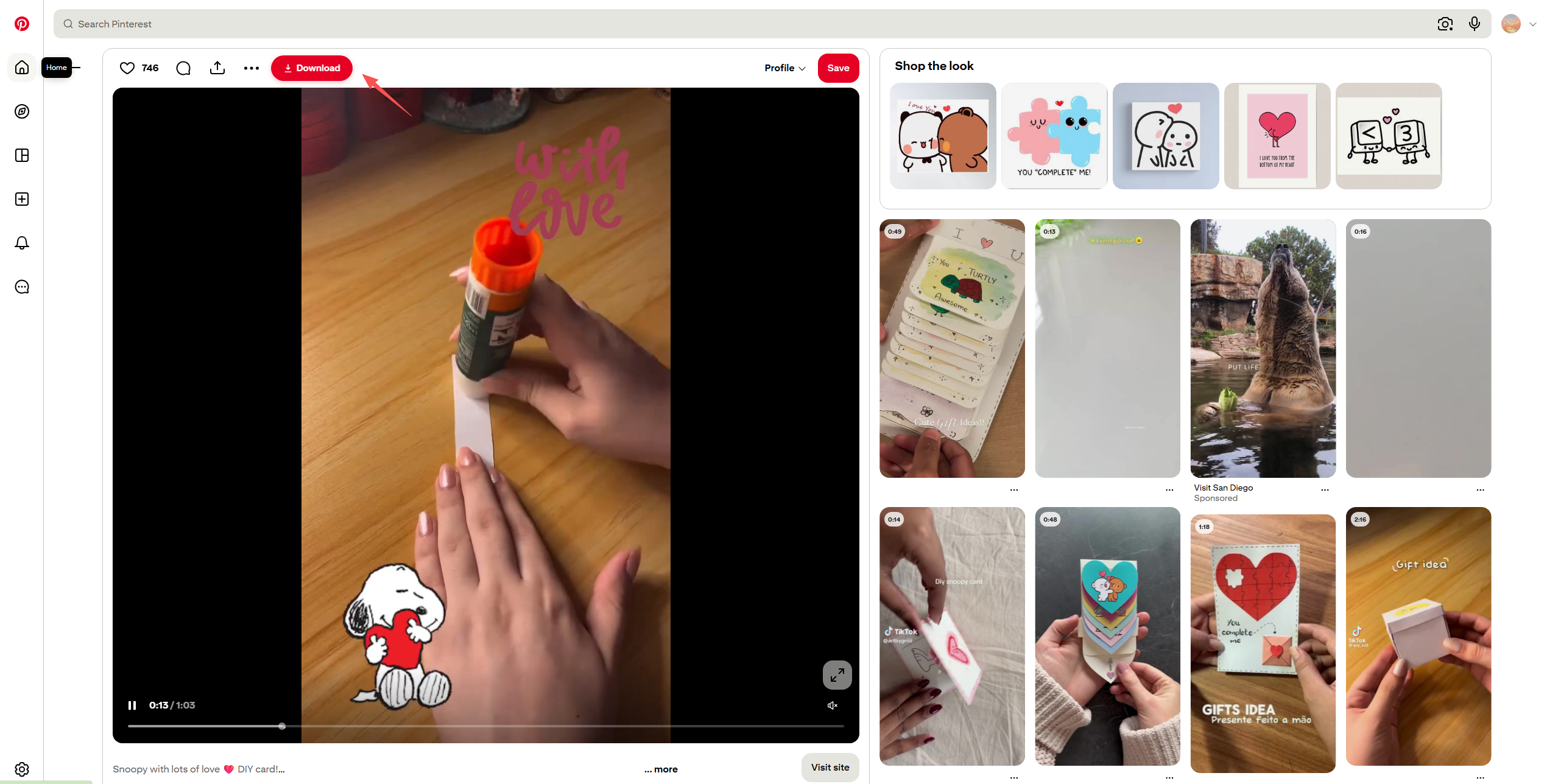
- Open a Pinterest video pin and use PinLoad’s built-in download button to save the video locally.

Advantages:
- One-click downloading
- Detects media automatically
- Good for frequent use
Disadvantages:
- May stop working after Pinterest updates
- Limited advanced features
3. Software Downloaders
Desktop software provides more stability and advanced features.
Popular choices:
- VidJuice UniTube
- SurFast Video Downloader
- Multi-site media grabbers
使用方法:
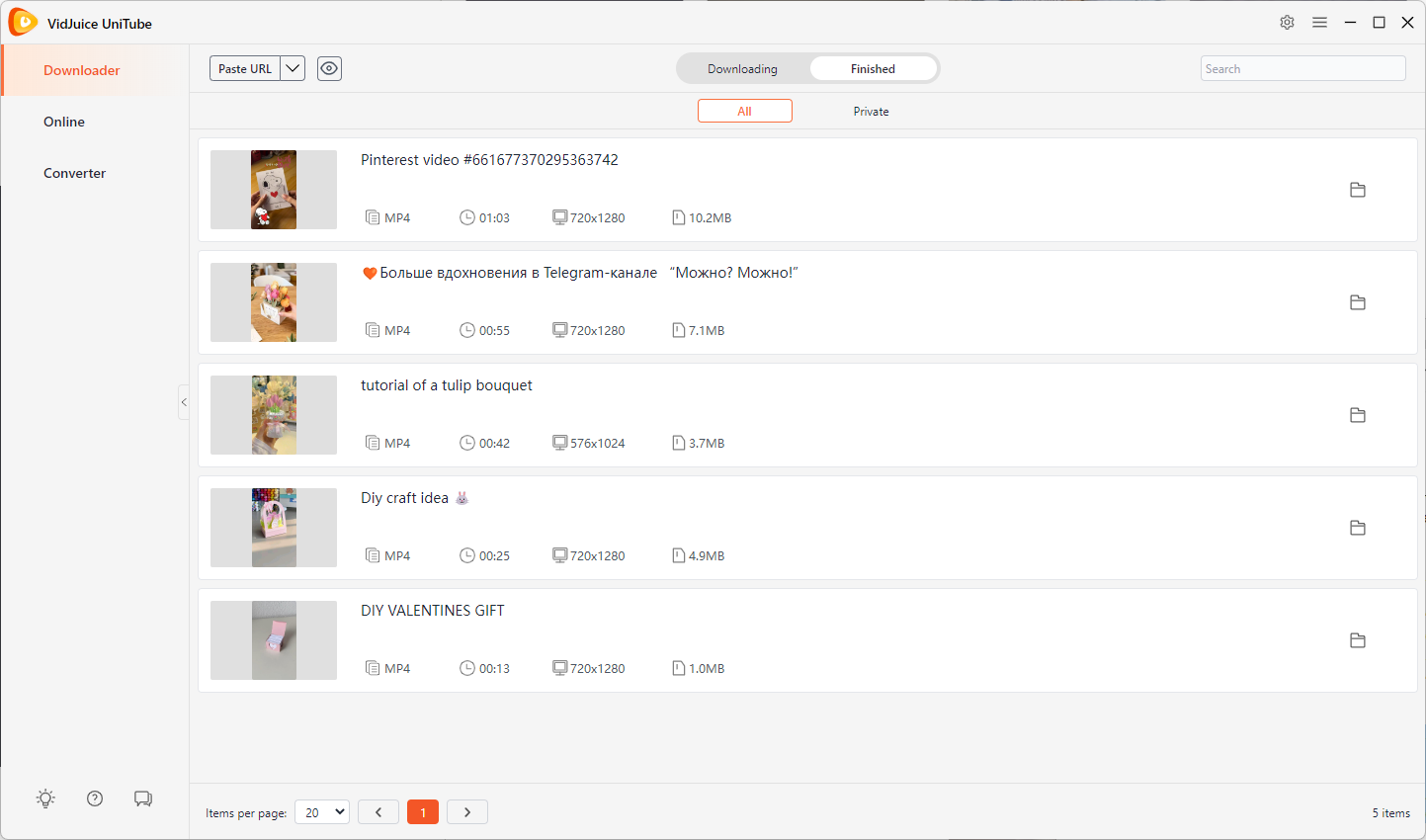
- Install and run a video downloader like VidJice.
- Copy all the Pinterest page URLs and paste them into VidJuice.
- VidJuice will start downloading all the Pinterest videos and show them under the “Finished” tab when finished.

Advantages:
- High-quality downloads
- 支援批量下載
- More reliable than online tools
Disadvantages:
- 需要安裝
- Some tools are paid
3. More Tools to Download Images and GIFs from Pinterest
3.1 Online Image & GIF Downloaders
Online tools can also extract images and GIF-style content.
Popular choices:
- Online Image Downloader
- KlickPin web version
- PinDown image downloader
使用方法:
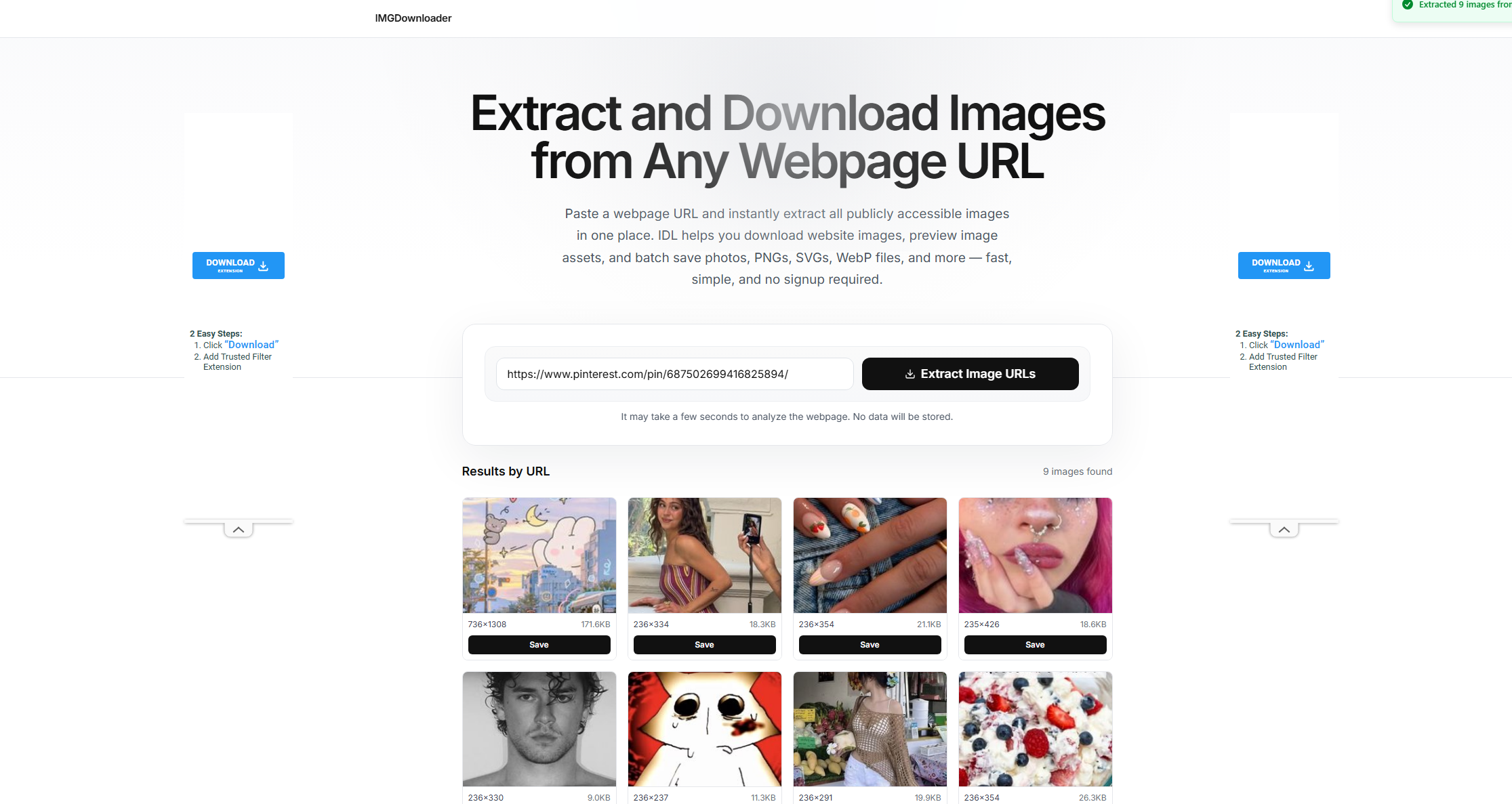
- Visit a popular online image downloader like Image Extractor or ImgDownloader.
- Copy the Pintertest page URL that contains the images you want to download, paste it into the online tool to start extracting.
- Choose desired Pinterest images and download them offline.

Advantages:
- Easy and fast
- No installation needed
- Works on mobile and desktop
Disadvantages:
- Limited quality control
- 不適合大量下載。
2.2 Browser Extensions
Extensions can capture images and GIFs directly from Pinterest pages.
Popular choices:
- PinLoad image downloader
- KlickPin extension
- General batch image downloader tools like Imageye
工作原理:
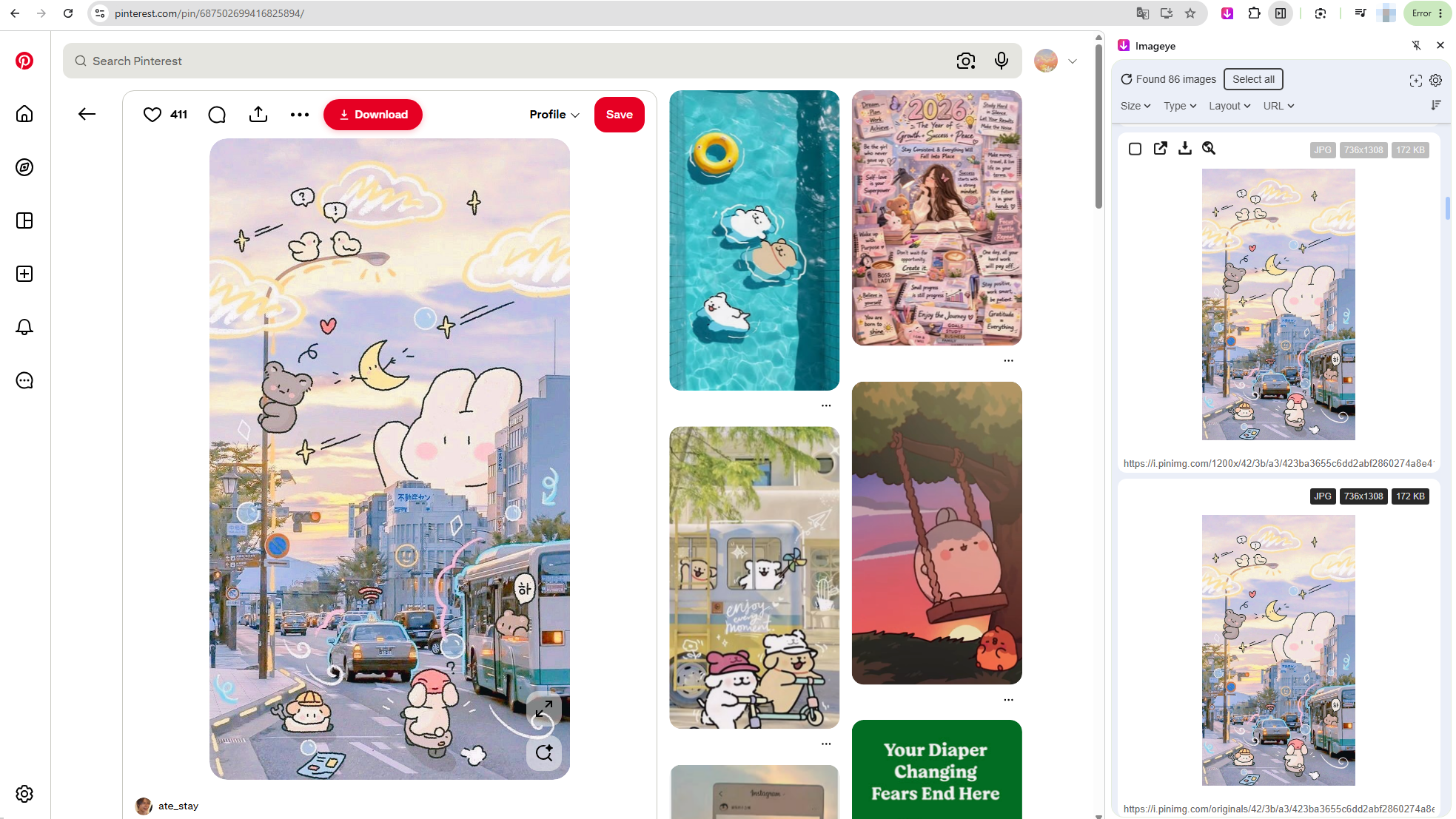
- Install extension like Imageye to your browser.
- Open Pinterest board or profile, click the extension icon to run image scan.
- Select target Pinterest images and download files.

Advantages:
- Batch image download support
- Easy integration with browsing
- Fast workflow
Disadvantages:
- May miss some dynamic content
- Browser compatibility issues
3.3 Software Downloaders
Desktop tools are best for large-scale image and GIF downloads.
Popular choices:
- 影像
- Bulk image downloader (BID)
- WFDownloader
使用方法:
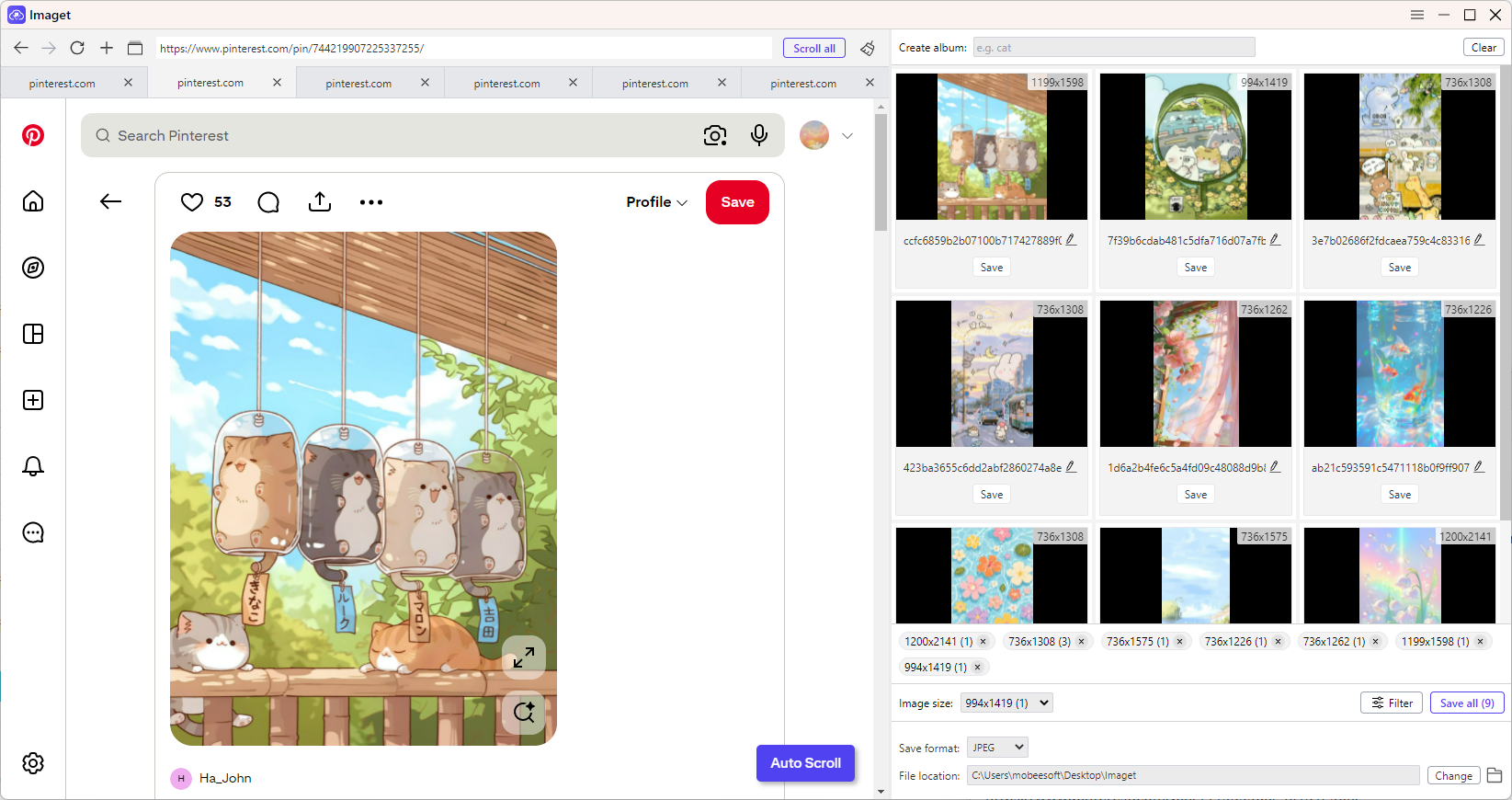
- Download a reliable image downloader like Imaget on you device and open it.
- Copy all the Pinterest image URLs and paste them into Imaget.
- Imaget will auto detect all available images, allowing you to filter files and download in batches.

Advantages:
- Best for bulk downloading
- High-resolution output
- Handles full boards easily
Disadvantages:
- Installation required
- Some features are paid
4. 結論
Downloading videos, images, and GIFs from Pinterest can be done in many ways, depending on your needs. Online tools are great for quick one-time downloads, browser extensions offer convenience during browsing, and desktop software provides more stability and control.
However, for users who want the most efficient and complete solution, Meget Pro stands out as the best option. It supports bulk downloading, automatic media detection, and high-quality saving for videos, images, and GIF-style content all in one place.
Overall, while multiple tools can get the job done, 非常專業 offers the most powerful and streamlined experience for downloading Pinterest content at scale.
- How to Download Videos and Manga Images from MyReadingManga?
- How to Use SnapAny to Download Videos and Images?
- Video Downloader Professional Doesn't Allow M3U8? Try This Alternative
- The Full List of Best Anime on HIDIVE
- How to Download Anime from AnimeHeaven?
- iFlyDown Video Downloader: Complete Review and Alternatives
- How to Download Videos and Manga Images from MyReadingManga?
- How to Use SnapAny to Download Videos and Images?
- Video Downloader Professional Doesn't Allow M3U8? Try This Alternative
- The Full List of Best Anime on HIDIVE
- How to Download Anime from AnimeHeaven?
- iFlyDown Video Downloader: Complete Review and Alternatives